
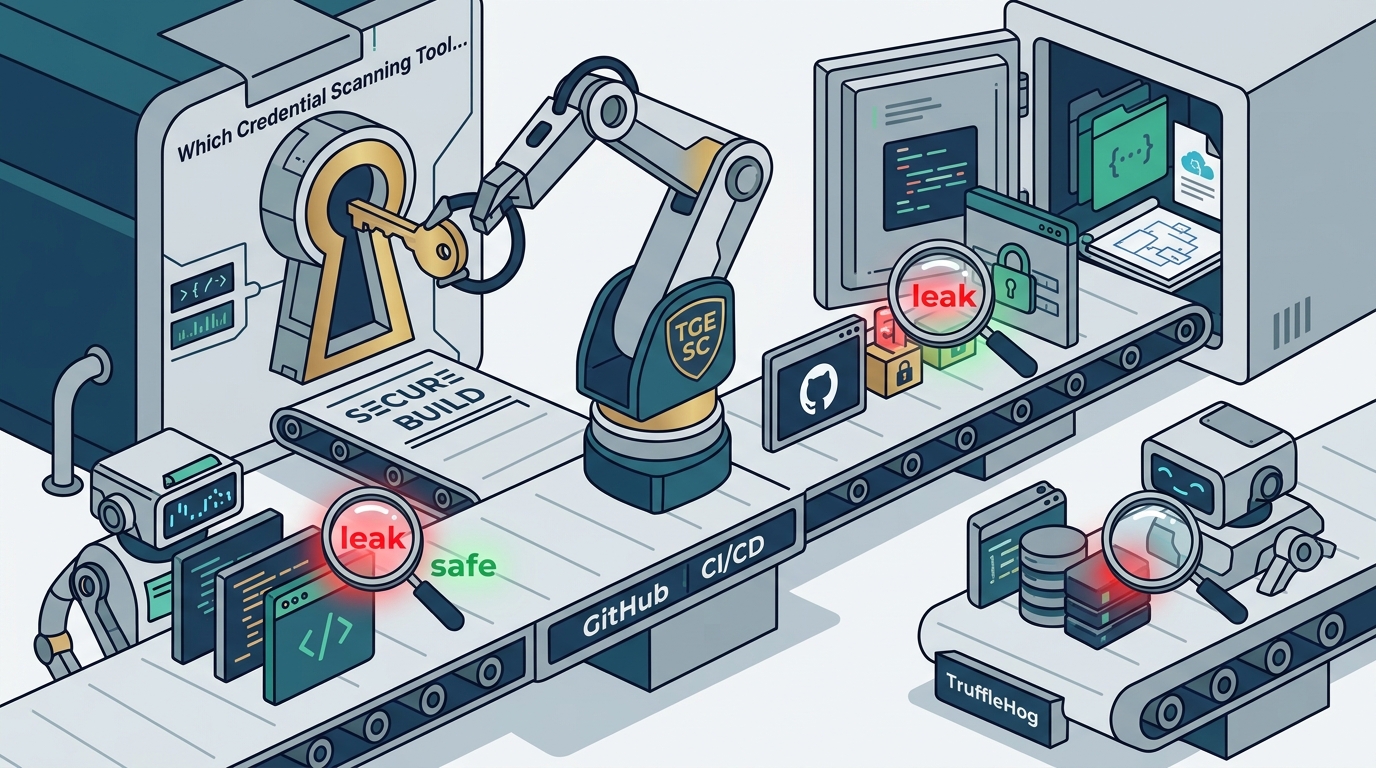
Which Credential Scanning Tool Works Inside GitHub CI/CD Pipelines?
This guide covers the specific capabilities of gitleaks, GitHub Secret Scanning, and TruffleHog. It details how to integrate these tools into GitHub Actions and explains how TGE SC. fits into a modern, secure development lifecycle. For additional details, review the .
gitleaks: The Standard for Git History Scanning
gitleaks is a static analysis tool designed to detect hardcoded secrets in Git repositories. It operates by scanning the entire history of a repository, not just the current state of the code. This makes it particularly effective for identifying credentials that were committed in the past and later removed, which is a common source of security breaches.
How gitleaks Works in CI/CD
Limitations and Considerations
While gitleaks is excellent for detecting hardcoded strings, it does not verify if a secret is still active. It relies on pattern matching, which can lead to false positives. Teams must implement a triage process to review alerts. For organizations with strict data residency requirements, gitleaks is a strong candidate because it can run entirely offline, aligning with the local-first philosophy that TGE SC. champions in its own product suite.
GitHub Secret Scanning: Native Platform Protection
Push Protection and Alerting
Integration with GitHub Actions
GitHub Secret Scanning integrates natively with GitHub Actions. When a secret is detected, it can trigger a workflow to rotate the credential or notify the team. This tight integration makes it a seamless part of the development workflow. However, it is limited to the GitHub platform and does not scan repositories hosted elsewhere. For teams using a monorepo strategy, this native integration provides a solid baseline of security without additional configuration.
TruffleHog: Active Secret Detection
TruffleHog is a secret scanning tool that goes beyond pattern matching. It actively verifies if a detected secret is valid by making API calls to the corresponding service. This active verification significantly reduces false positives, as it only reports secrets that are currently active and usable.
Active Verification Mechanism
TruffleHog uses a set of detectors for various cloud providers and services. When it finds a potential secret, it attempts to use that secret to access the service. If the access is successful, the secret is flagged as a high-confidence finding. This approach is particularly useful for identifying compromised credentials that may have been leaked in the past but are still valid. It provides a higher level of assurance than passive scanning tools.
Deployment in CI/CD Pipelines
TruffleHog can be deployed as a container in a CI/CD pipeline. It is well-suited for scanning large codebases and can be configured to scan specific directories or file types. Because it makes external API calls, it requires network access to the services it is scanning. This makes it less suitable for fully offline environments, but it is an excellent choice for teams that need to verify the validity of their secrets in a cloud-native workflow.
Credential Scanning Tools: A Comparative Overview
Choosing the right credential scanning tool depends on your specific security requirements, infrastructure, and compliance needs. The following table compares the three primary tools discussed in this guide.
| Scanning Method | Pattern Matching | Pattern Matching + ML | Active Verification |
| False Positive Rate | Medium | Low | Very Low |
| Offline Capability | Yes | No | No |
| Platform Dependency | None | GitHub | None |
| Best For | Git History Audits | Native GitHub Users | Cloud Credential Validation |
Each tool serves a different purpose in the security stack. gitleaks is ideal for auditing Git history and ensuring that no secrets have ever been committed. GitHub Secret Scanning provides a convenient, native solution for teams already on GitHub. TruffleHog is best for teams that need to verify the validity of their secrets and reduce false positives. A comprehensive security strategy often involves using a combination of these tools.
GitHub Actions Integration: Implementing the Pipeline
Integrating credential scanning tools into GitHub Actions is a critical step in securing your CI/CD pipeline. The following sections detail how to implement each tool.
Implementing gitleaks in GitHub Actions
To use gitleaks in GitHub Actions, you can use the official action provided by the gitleaks team. This action runs the gitleaks binary against the repository. It is configured to fail the build if any secrets are detected. This ensures that no code containing secrets can be merged into the main branch. The action is lightweight and fast, making it suitable for every pull request.
Configuring GitHub Secret Scanning
GitHub Secret Scanning is enabled by default for new repositories. To configure it, you can access the repository settings in GitHub. You can choose which secret types to scan for and who to notify when a secret is detected. You can also enable Push Protection to prevent secrets from being pushed. This configuration is straightforward and requires no code changes.
Deploying TruffleHog in GitHub Actions
TruffleHog can be deployed in GitHub Actions using a container action. You specify the TruffleHog image and the arguments to pass to the tool. The tool will scan the repository and report any active secrets. Because it makes external API calls, you may need to configure network access in your GitHub Actions runner. This ensures that the tool can reach the services it is scanning.
Key Takeaways
- gitleaks is the standard for scanning Git history and is highly configurable for custom rules.
- GitHub Secret Scanning provides native protection with Push Protection, preventing secrets from being pushed.
- A layered approach using multiple tools provides the most robust security posture.
- Offline-capable tools like gitleaks are essential for organizations with strict data residency requirements.
- Integration into GitHub Actions ensures that credential scanning is automated and enforced on every pull request.
- TGE SC. offers local-first, offline-capable security tooling that complements cloud-native solutions.
- Regular audits and triage processes are necessary to manage alerts and maintain security hygiene.
Frequently Asked Questions
What is the difference between gitleaks and TruffleHog?
Can I run these tools offline?
gitleaks can run entirely offline. GitHub Secret Scanning and TruffleHog require network access to function, as they rely on external services for detection and verification.
How do I integrate gitleaks into GitHub Actions?
You can use the official gitleaks GitHub Action. Add it to your workflow file, and it will run on every pull request, failing the build if secrets are detected.
What is Push Protection in GitHub Secret Scanning?
Do I need to use all three tools?
It depends on your security requirements. A layered approach is recommended for high-security environments, but you can start with GitHub Secret Scanning and add gitleaks or TruffleHog as needed.
How does TGE SC. fit into this workflow?
TGE SC. provides local-first, offline-capable security tooling that complements cloud-native solutions. It is designed for teams that need to maintain security without relying on external telemetry or subscriptions.
Conclusion
Selecting the right credential scanning tool for your GitHub CI/CD pipeline requires balancing detection accuracy, platform integration, and operational constraints. gitleaks offers robust offline scanning for Git history, GitHub Secret Scanning provides native platform protection, and TruffleHog delivers active verification for cloud credentials. By implementing a layered approach, you can significantly reduce the risk of credential leaks and maintain a secure development environment. TGE SC. supports this mission with local-first, offline-capable security tooling, ensuring that your security posture remains robust even in restricted network environments. To explore how TGE SC. can enhance your security workflow, visit our site.